
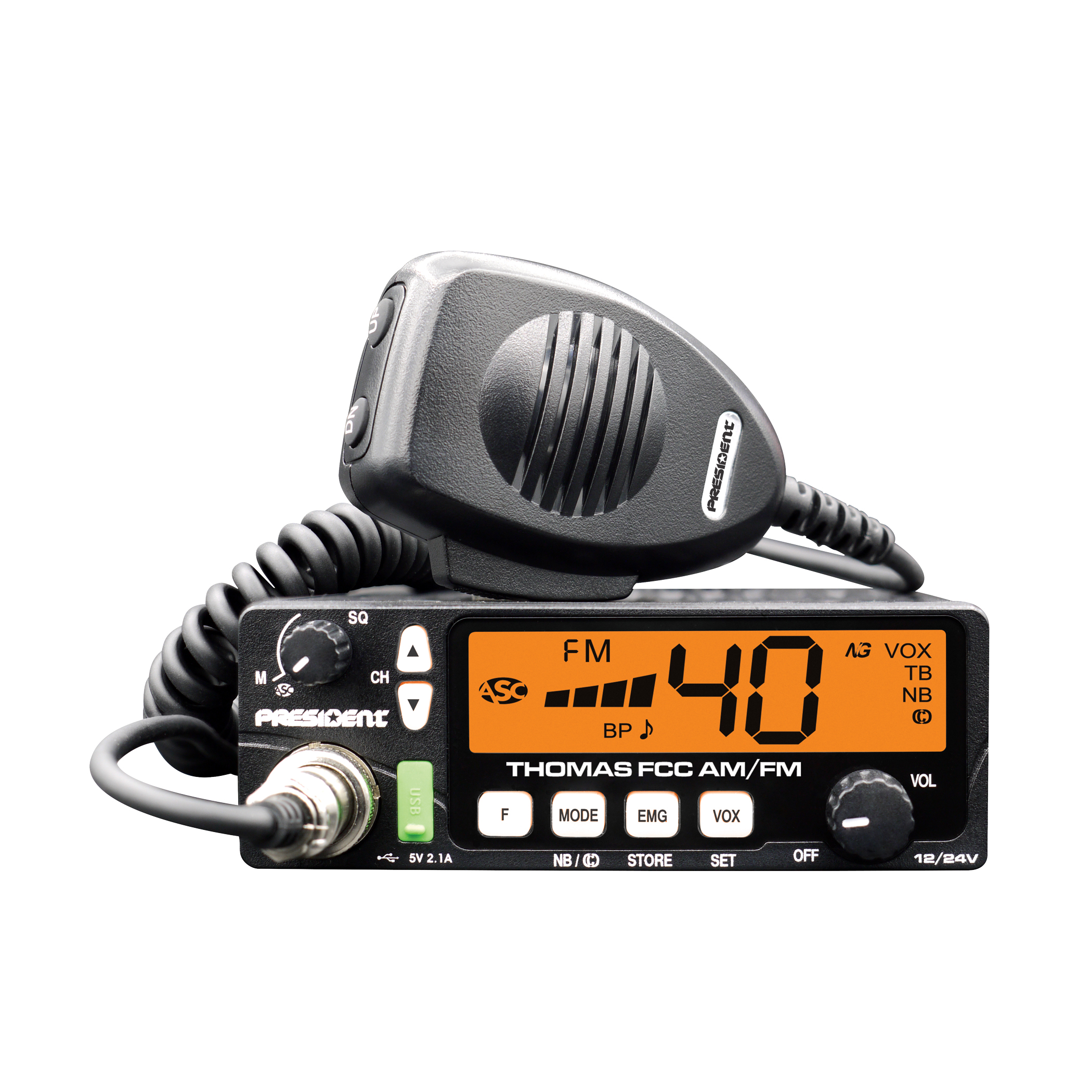
Read your radio manual
Controls and recommended readings vary by model. Find the standing wave ratio (SWR) section in your radio manual before making any adjustments.
Check the installation
PRESIDENT recommends checking SWR in an open area before first use or after changing antennas. Check the connections and never transmit with the antenna disconnected.
Identify your meter
Some radios have a built-in SWR meter. Others require an external meter. Follow the radio and meter instructions for connection, calibration and reading the result.
Record your readings
Note your radio model, antenna part number and measured values. If a reading is outside the expected range, ask for advice before adjusting or cutting the antenna. Our team can help with the next steps.
Technical reference: official PRESIDENT Randy II manual (PDF, in French and Spanish). Always follow the manual for your own equipment.